

Description
Course Design & Obstacles
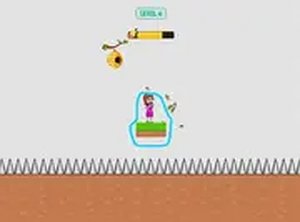
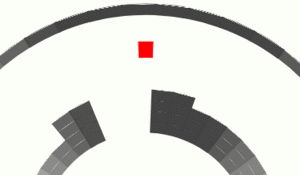
Each stage in Pathway Runner Challenge presents a unique arrangement of platforms and hazards. You will encounter moving surfaces that shift position, gaps that require precise leaps, and areas that slow or damage your character if touched. The layout encourages you to observe patterns before making your move. Later stages combine multiple obstacle types, forcing you to plan several jumps ahead. The design focuses on gradual difficulty, so you always feel a sense of progression.
Controls & Responsiveness
The game uses simple keyboard or mouse inputs to move and jump. Controls are responsive, allowing quick adjustments mid-air. There is no complex combo system or inventory to manage, which keeps the focus on timing and positioning. The straightforward control scheme makes it easy to pick up, but mastering the timing for each course takes practice. Full-screen mode is available for a more immersive experience.
Progression & Challenge Curve
As you complete courses, the game introduces new hazards and tighter platform arrangements. Early stages serve as a tutorial, teaching basic jump distances and hazard avoidance. Later stages require faster reactions and more precise landings. The difficulty increases steadily, so you never feel overwhelmed too quickly. Each completed course provides a sense of accomplishment and prepares you for the next test.
Visual Style & Atmosphere
The visual design uses bright colors and clear shapes, making obstacles easy to identify. Backgrounds are simple but pleasant, helping you focus on the action. Animations are smooth, and the character responds instantly to your commands. The overall look is clean and family-friendly, suitable for players of all ages. The interface is minimal, with only essential information displayed during gameplay.



Player Comments
Sign in to comment
You must be logged in before posting a review or rating.
No account? Create one
No comments yet. Be the first to comment!